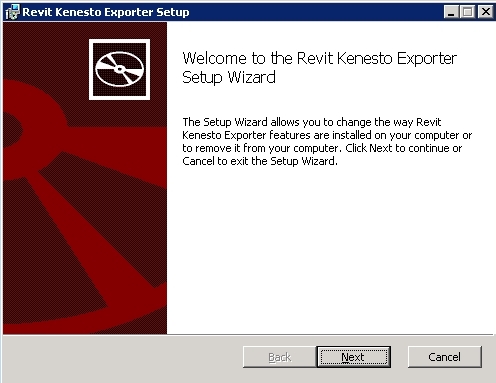
1. Download the add-in installer appropriate to your Revit version from the table below -open the zip file, double pick the .msi file and follow the directions to install:
| Revit Version | Installer |
| Revit 2012-2013 | Revit2013KenestoExporter64bit.zip |
| Revit 2014-2015 | Revit2015KenestoExporter64bit.zip |
2. Run Revit, open a model then press Add-Ins/Revit Kenesto Exporter:

3. The .RVT_K file can be uploaded and viewed in Kenesto (NOTE: viewing is only possible using the Kenesto 3D Viewer)
